Dewang Mishra

For most people, browsing the web has become second nature. They read news, check their bank accounts, scroll through social media, stream music, shop, and share photos with friends, without pausing to think about where all this information goes. Each click, however, leaves a digital trail, and much of that passes through public networks that can be vulnerable to tracking, interception, or misuse. It’s no wonder privacy and personal data concerns have moved to the top of people’s minds in recent years.
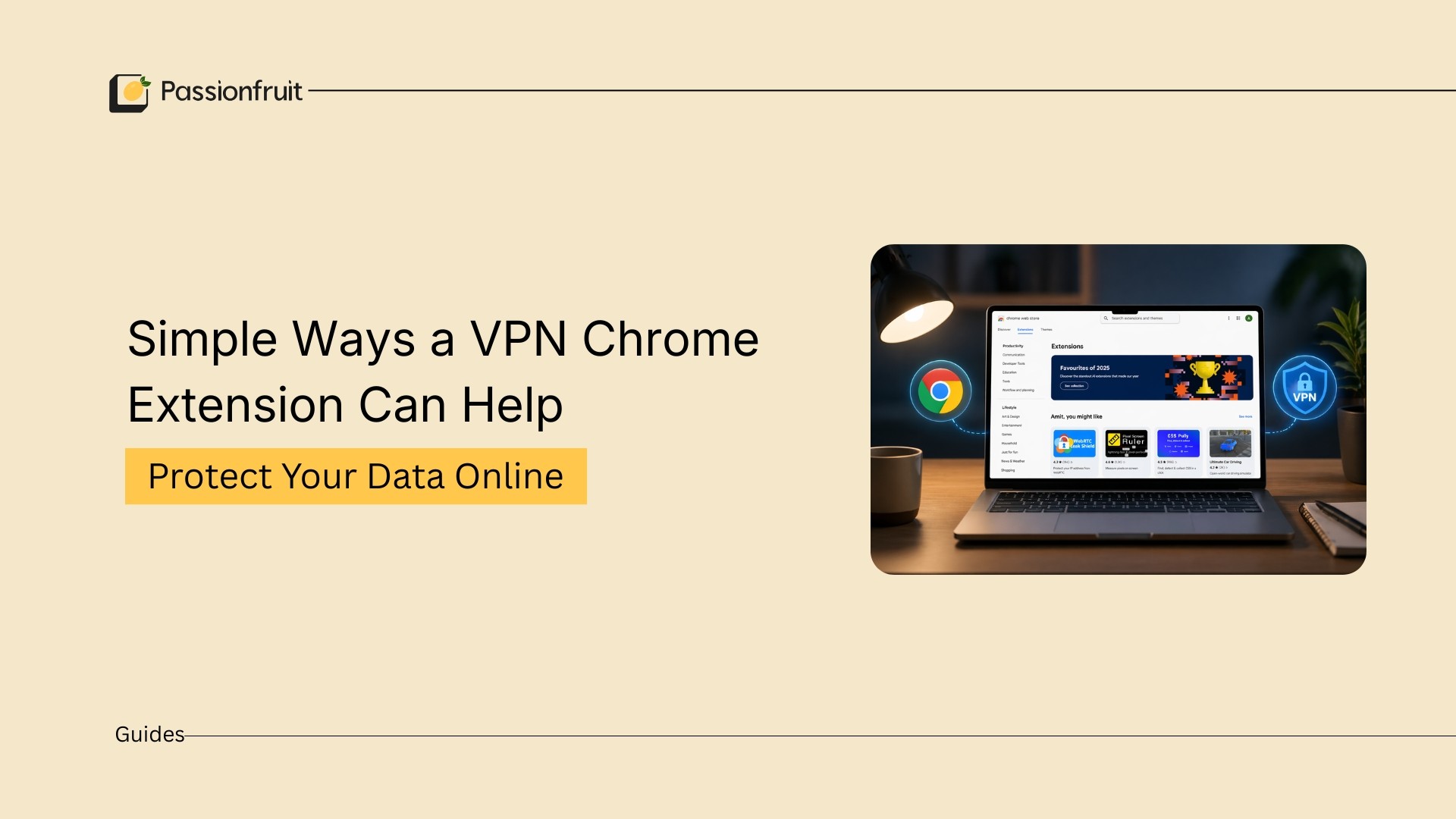
A VPN Chrome extension is one simple and effective way to strengthen online privacy. This lightweight browser tool encrypts your internet traffic directly from within Chrome and hides your IP address while you browse. You don’t have to open a separate program or navigate complicated settings; you just need to turn it on in your browser. For people who spend most of their time online in Chrome, an extension like this provides an extra level of security with almost no effort. This insightful blog will offer comprehensive information on how a VPN Chrome extension works.
Securing Your Everyday Browsing
Think of a VPN extension as a digital safety net that works in the background. By encrypting your data, the extension ensures that your passwords, payment details, and personal information remain much more secure. This benefit becomes especially important when using public Wi‑Fi networks in airports, hotels, and cafes. These networks are often convenient but rarely secure. With a VPN extension active, even if someone tries to monitor your traffic, the information will be scrambled and unreadable.
Helping Keep Your Location Private
Every time you visit a website, your IP address reveals much about you. It can indicate your city, your region, and the network you logged in to. A VPN extension assigns you an alternate IP from its network, making it harder for websites, advertisers, or trackers to connect your browsing activity to your real-world location. This extra layer of privacy is an easy step toward reducing how much of your behavior is visible online.
Reducing Online Tracking and Profiling
Advertisers and analytics platforms build detailed profiles using your browsing patterns. Over time, this information helps target ads, influence the content you see, and sometimes even get sold to other parties. A VPN extension disrupts some of this tracking by masking your IP and encrypting the traffic between your browser and the sites you visit. While it won’t eliminate tracking completely, it is challenging to piece together your online footprint.
Safer Use of Public Wi‑Fi
Public Wi-Fi networks present malicious threat actors with a near-unprecedented opportunity for exploitation; many people don’t even realize this. Any unauthorized observer on the same network can see unencrypted traffic. It may contain email addresses, form submissions, and even login information. This risk is greatly minimized if you use a VPN for browsers because your connection to the website will remain encrypted (from the browser). Your information will remain private even if the network is not protected.
Easy to Use and Most Effective as Part of Smart Digital Habits
One of the major benefits of using a browser-based VPN extension is that you can get everything set up and running in a matter of seconds. After installation, you only need to click a button to activate it, no complex settings or menus, so it is a valid option even for most laymen. Eventually, having an extension like this is as much a habit as not leaving your phone unlocked.
Of course, privacy is never similar to one tool. Using a VPN extension that is paired with a strong password, two-factor authentication, and careful clicking can actually make a way larger difference. These are small, sustainable practices we can adopt to help foster a safer digital space.
Final Thoughts
Maintaining online privacy is like riding an uphill battle, but it mustn't be complicated. VPN extensions offer a straightforward, agile approach to bolstering your defenses while keeping you on the fast track. It gives you some peace of mind every time you open your browser by masking your IP address, encrypting your browser session, and offering a few limits on casual tracking. As we are dealing with the digital world, and online safety is essential now more than ever, these seemingly little changes can make all the difference when it comes to your sense of security while browsing online.