SEO
Join 500+ brands growing with Passionfruit!
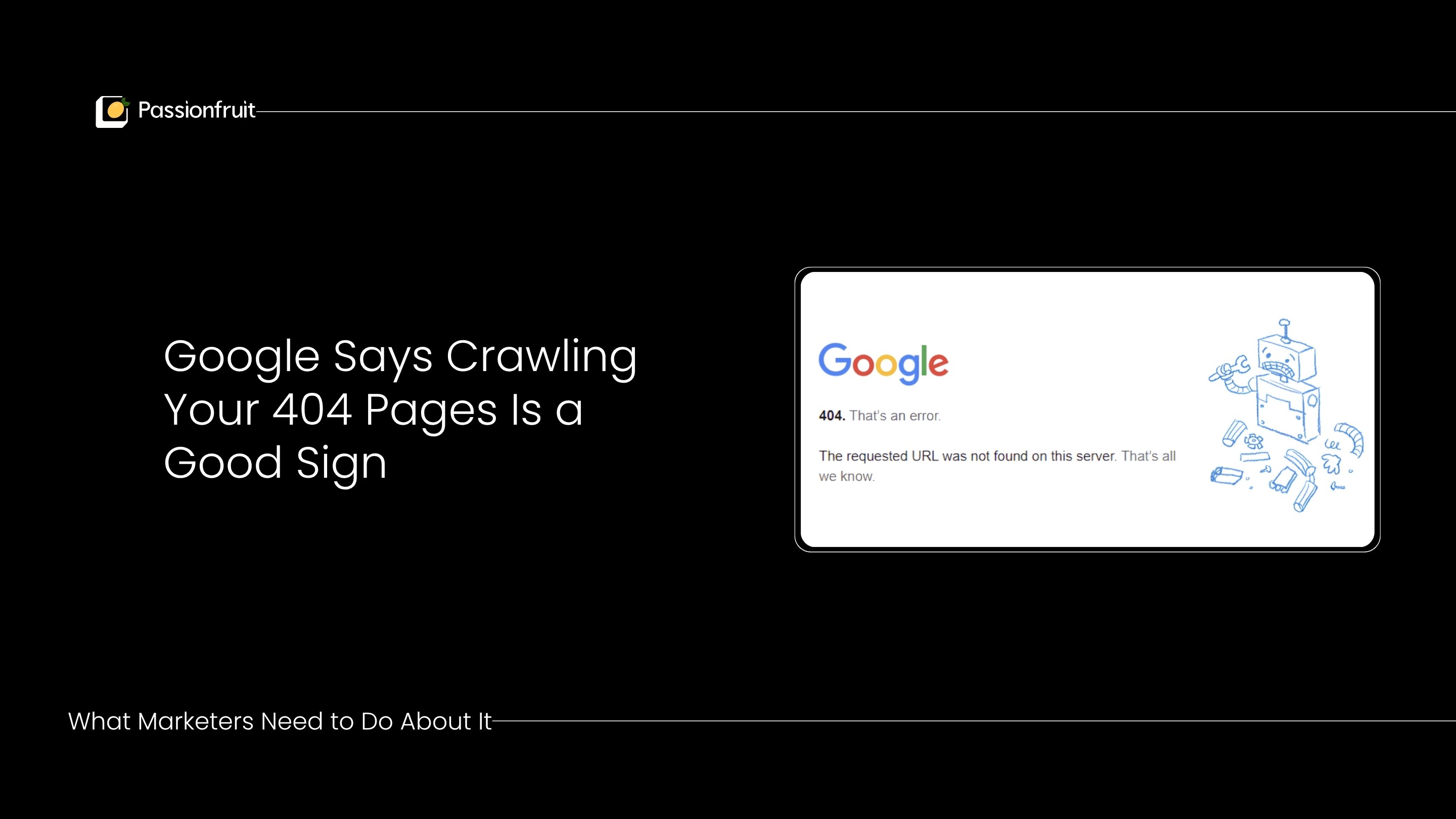
Google's John Mueller confirmed that repeated 404 crawling signals Google's willingness to index more of your content. Here is the decision framework for when to fix, when to redirect, and when to leave 404s alone.
Google's John Mueller dropped a statement on Reddit in March 2026 that reframes how SEOs and marketers should think about 404 errors in Search Console. When asked whether Google's repeated crawling of 404 pages wastes crawl budget, Mueller responded: "These don't cause problems, so I'd just let them be. They'll be recrawled for potentially a long time, a 410 won't change that. In a way, this means Google would be ok with picking up more content from your site."
That last sentence is the one that matters. Google crawling your 404 pages is not a bug, a warning, or a penalty. It is a signal that Google's systems view your site positively enough to keep checking whether those missing pages come back. It means Google is hungry for your content.
But "leave them alone" is only the right answer for some 404s. For others, you are leaking link equity, losing referral traffic, and confusing users. The difference comes down to a decision framework that most guides never provide.
This article gives you that framework, plus the exact steps to audit your 404s, protect your crawl budget, avoid the soft 404 trap, and make sure removed pages with backlinks continue contributing to your site's authority. For the complete technical SEO foundation, see our guide to the four pillars of SEO.
What Actually Happened: Mueller's Statement Decoded
A site owner posted on Reddit that Google Search Console kept reporting 404 errors for pages that no longer existed, even though those URLs had been removed from the sitemap. They were worried about wasted crawl budget and asked whether switching to 410 (Gone) status codes would help.
Mueller's response contained three distinct insights:
1. 404s in Search Console are not a problem to fix. The 404 status code simply means "page not found." It does not mean "page broken" or "error that needs repair." The request itself is what failed (because the page does not exist), not the server or the page. Google's own documentation calls it "404 Not Found," not "404 Error."
2. Switching to 410 does not change Google's behavior meaningfully. Google treats 404 and 410 almost identically. Googlers have said that 410 is "slightly faster" at removing a page from the index, but Mueller confirmed that even with a 410 response, Google continues to recrawl for a long time.
3. Repeated crawling means Google values your site. This is the new information. Google's crawlers return to 404 pages because the content was previously valuable enough that Google wants to check whether it was removed by accident. A site that Google does not value does not get this treatment.
This aligns with what Google's Matt Cutts explained in 2014: Google's crawling system is designed to be "robust" against accidental removals, hacks, and misconfigurations. When a page returns 404, Google protects it in the crawling system for 24 hours, then periodically rechecks to see if the page returns.
Mueller also confirmed earlier in January 2026 that "404s/410s are not a negative quality signal. It's how the web is supposed to work."
For understanding how Google's indexing decisions work more broadly, see our guide on what Google indexing is and how it works.
The 404 Decision Framework: Fix, Redirect, or Leave Alone
Not all 404s deserve the same response. Here is the three-category system for triaging every 404 in your Search Console report.
Category 1: Fix immediately (the page should exist)
These are pages that returned 404 by accident. Someone deleted a page that should still be live, a URL structure changed without redirects, or a CMS update broke existing URLs.
How to identify them:
The URL matches a page that should be on your site
Internal links still point to the URL
The page had organic traffic before it disappeared
The page appears in your navigation or sitemap
Action: Restore the page or fix the URL. Then check internal links across your site to ensure they point to the correct, working URL.
Category 2: Redirect strategically (the page is gone but has value)
These are pages you intentionally removed, but they still carry SEO value in the form of backlinks, historical authority, or user bookmark traffic.
How to identify them:
The URL has referring domains pointing to it (check in Ahrefs or Moz)
The URL still receives organic clicks or impressions in Search Console
External sites still link to the URL
Users are landing on the 404 page from bookmarks or external references
Action: 301 redirect to the closest equivalent page on your site. If you removed a product page for a discontinued item, redirect to the parent category page. If you consolidated two blog posts, redirect the old URL to the merged post. Never redirect to the homepage unless no relevant alternative exists (Google treats homepage redirects from deep URLs as soft 404s).
For ecommerce sites specifically: if a product is out of stock but returning, keep the page live and remove it from internal category links to reduce crawl priority temporarily. Only 404 or redirect when the product is permanently discontinued. For the full ecommerce approach, see our ecommerce SEO guide.
Category 3: Leave alone (the page is intentionally gone)
These are pages you removed on purpose, that have no backlinks, no significant traffic, and no equivalent replacement. This is the category Mueller was addressing.
How to identify them:
The URL has zero or near-zero referring domains
The URL has no organic traffic history worth preserving
No internal links point to the URL
The content is outdated, irrelevant, or duplicated elsewhere
Action: Leave the 404 response in place. Google's continued crawling of these URLs is not a problem. It is not wasting meaningful crawl budget for sites under 10,000 pages. Google's crawler handles this automatically and eventually reduces crawl frequency for persistent 404s.
The Soft 404 Trap: The Problem That Is Actually Costing You
While most SEOs worry about standard 404s (which Mueller just confirmed are harmless), the real problem hiding in most ecommerce and content sites is soft 404s.
A soft 404 occurs when a missing page returns an HTTP 200 (OK) status code instead of a proper 404. This happens in three common scenarios:
1. Custom 404 pages that return 200 status. Your server displays a "Page Not Found" message to the user, but the HTTP response header says 200 (OK). Google detects the mismatch and labels it a soft 404 in Search Console, but the damage is already done: crawl budget is wasted on a page that Google has to evaluate and then discard.
2. Blanket homepage redirects. All 404 URLs redirect to the homepage via 301 or 302. Google recognizes this pattern as a soft 404 and treats it as a non-existent page. But unlike a clean 404, the redirect consumes crawl budget on both the original URL and the homepage. Worse, it dilutes the redirect signals Google uses to evaluate your site structure.
3. Out-of-stock ecommerce pages returning empty templates. The product is gone, but the page template loads with an empty product area and returns a 200 status. Google sees a live page with no useful content and flags it as a soft 404.
Why soft 404s are worse than regular 404s: A clean 404 response tells Google immediately: "This page does not exist. Move on." Google spends minimal crawl resources. A soft 404 requires Google to load the full page, render it, evaluate the content, determine it is effectively empty, and then classify it as not-indexable. That is 5x the crawl resource consumption for the same outcome.
How to fix soft 404s:
In Google Search Console, go to Pages, then filter by "Soft 404." Export the full list.
For each URL, check whether the page should return a proper 404 status code (because the content is genuinely gone) or whether the page should actually exist and needs its content restored.
Ensure your server returns a genuine 404 HTTP status code for pages that do not exist, not a 200 status with error content.
Stop redirecting all 404s to the homepage. Only redirect to the homepage if the URL is genuinely a close match for homepage content (which is rare).
For understanding how Google evaluates your page quality during this crawl-and-assess process, see our guide on how Google's helpful content system works.
Crawl Budget: When 404s Actually Matter (and When They Don't)
Mueller's statement that 404 crawling "doesn't cause problems" is true for most sites. But crawl budget becomes a real concern at scale.
When 404s do NOT affect crawl budget meaningfully:
Your site has fewer than 10,000 URLs
Your pages get indexed within a few days of publication
You have fewer than a few hundred 404s in Search Console
Your server responds quickly (under 500ms average)
For these sites, Google's crawling of 404 pages is negligible and Mueller's advice ("just let them be") applies directly.
When 404s DO start affecting crawl budget:
Your site has 50,000+ URLs (common for ecommerce)
You have thousands of 404s from product removals, URL migrations, or CMS changes
New content takes weeks to get indexed
Your faceted navigation generates thousands of parameterized URLs that also 404
At this scale, every unnecessary crawl request competes with crawl requests for pages that actually need indexing. Google's official documentation states that crawl budget matters for "large sites (1 million+ unique pages) with content that changes moderately often" and "medium or larger sites (10,000+ unique pages) with very rapidly changing content."
The crawl budget optimization steps that actually help:
Clean your sitemap. Include only live, indexable, canonical URLs. Remove any URL that returns 404, is noindexed, or is a duplicate. Google explicitly says a clean sitemap acts as a crawl guide.
Fix redirect chains. Google follows up to 5 redirects in a chain, but each hop consumes crawl resources. Flatten chains so every redirect points directly to the final destination.
Block faceted navigation from crawling. URL parameters from filters (color, size, price, sort order) create thousands of crawlable URLs with duplicate or near-duplicate content. Use robots.txt to block parameter patterns that have zero SEO value, or use canonical tags to consolidate them.
Improve server response time. Google's crawl rate limit increases when your server responds quickly. Faster responses = more pages crawled per session = faster indexing for new content.
Prioritize internal links to important pages. Google uses internal link structure to determine crawl priority. Pages with more internal links get crawled more frequently. Ensure your highest-value pages (category pages, new products, updated content) have strong internal linking.
For ecommerce sites dealing with product churn, seasonal inventory, and thousands of category/filter combinations, see our guide on how to optimize category pages for ecommerce SEO.
How to Audit Your 404s in Google Search Console: Step by Step
Here is the exact process for turning your Search Console 404 report into an actionable triage list.
Step 1: Export the full 404 report.
In Google Search Console, go to Pages (under Indexing). Filter by "Not found (404)" and "Soft 404." Export both lists as CSV files.
Step 2: Check each URL for backlinks.
Import the CSV into Ahrefs or Moz. Check the "Referring Domains" column for each URL. Any URL with referring domains greater than zero needs a redirect, not a 404. Those backlinks are passing authority to a dead page instead of a live one.
Step 3: Check each URL for traffic history.
In Google Analytics (GA4), check whether any of the 404 URLs received meaningful traffic in the past 12 months. Pages that historically drove conversions or engagement deserve a redirect.
Step 4: Categorize using the framework.
Assign each URL to Category 1 (fix, because the page should exist), Category 2 (redirect, because the page has backlinks or traffic value), or Category 3 (leave alone, because the page is intentionally gone with no link equity).
Step 5: Implement and verify.
For Category 1: Restore the page. Request reindexing in Search Console. For Category 2: Set up 301 redirects to the closest equivalent page. Verify redirects work using a redirect checker tool. For Category 3: Do nothing. Leave the 404. Mueller confirmed this is fine.
Step 6: Set up monitoring.
Create a Google Alert or use Ahrefs to monitor new 404s monthly. For ecommerce sites with high product turnover, run this audit quarterly. Catch issues before they accumulate.
For the full technical SEO audit process, see our SEO audit checklist.
The 404 Redirect Decision Matrix for Ecommerce
Ecommerce sites face 404 decisions constantly because products get discontinued, seasonal items rotate, and categories get restructured. Here is the decision matrix:
Situation | Has backlinks? | Has equivalent page? | Action |
|---|---|---|---|
Product permanently discontinued | Yes | Yes (similar product or parent category) | 301 redirect to equivalent page |
Product permanently discontinued | Yes | No equivalent exists | 301 redirect to parent category page |
Product permanently discontinued | No | N/A | Return 404. Leave it. |
Product temporarily out of stock | N/A | N/A | Keep page live. Add "out of stock" messaging. Remove from internal category links. |
Category page restructured | Yes | Yes (new category URL) | 301 redirect to new URL |
Blog post consolidated into another | Yes | Yes (merged post) | 301 redirect to merged post |
Blog post outdated and removed | No | No | Return 404. Leave it. |
URL structure changed in migration | Yes | Yes (new URL pattern) | 301 redirect using pattern matching |
The principle: redirect when link equity or user traffic is at stake. Return 404 when neither exists. Never redirect everything to the homepage.
For maintaining product page SEO value through inventory changes, see our guide on optimizing ecommerce product pages for ChatGPT and Perplexity.
How 404s Affect AI Search Visibility
This is the dimension that no other 404 guide addresses, and it is increasingly important in 2026.
AI search engines (ChatGPT, Perplexity, Gemini) use their own crawlers to retrieve content. These crawlers encounter your 404 pages just as Google does. But the impact is different:
AI crawlers have smaller crawl budgets than Google. If a significant portion of your site returns 404 errors, AI crawlers may deprioritize your site in favor of competitors with cleaner URL structures.
Broken references reduce citation probability. If an AI retrieves a passage that links to a 404 page on your site, that broken reference weakens your perceived authority. AI systems evaluate source credibility, and sites with excessive broken pages signal lower maintenance quality.
Redirected pages maintain citation chains. When an AI system has historically cited a URL that now 301 redirects to a new page, the redirect preserves the citation pathway. The AI can follow the redirect and update its reference. A 404 breaks the chain entirely.
This means the Category 2 redirects (pages with backlinks and historical traffic) are even more important for AI search visibility than for traditional SEO. Every 404 page with backlinks that you leave unredirected is a broken node in the citation network that AI systems use to evaluate your authority.
For the complete AI search optimization framework, see our generative engine optimization guide. For tracking how AI platforms currently cite your site, see our guide on AI visibility benchmarking.
How to Design a 404 Page That Recovers Traffic
When a user does land on a 404 page (and they will), that page should work as a recovery mechanism, not a dead end.
What to include on your 404 page:
A clear message. "This page no longer exists" is better than a generic error code. Be human about it.
A search bar. Let users find what they were looking for. This is the single highest-impact element on a 404 page for ecommerce sites.
Links to popular or relevant categories. Surface your top category pages so users have immediate navigation options.
A link to the homepage. The obvious fallback.
No auto-redirect. Do not automatically redirect 404 pages to the homepage. This creates soft 404 problems (see above) and removes the user's ability to understand what happened.
What to exclude:
Heavy graphics or animations that slow down page load
Humor that obscures the navigation options
No navigation at all (forcing the user to use the back button)
Forms asking the user to report the broken link (they won't)
Technical requirement: Ensure the 404 page returns an actual 404 HTTP status code in the response header. The page content can be custom and user-friendly, but the server response must be 404, not 200.
Frequently Asked Questions
Does Google penalize sites for having 404 errors?
No. Mueller confirmed in January 2026 that "404s/410s are not a negative quality signal. It's how the web is supposed to work." 404 is a normal part of the web. Pages get removed. URLs change. The 404 status code communicates that a requested page was not found. Google's systems treat this as expected behavior, not as an indication of site quality problems.
Should I use 404 or 410 for permanently removed pages?
Technically, 410 (Gone) is the correct status code for pages that are permanently removed and never coming back. In practice, Google treats 404 and 410 nearly identically. Mueller confirmed that sending 410 "won't change" the recrawling behavior. Googlers have said that 410 is "slightly faster" at removing a page from the index, but the difference is marginal. Use whichever is easier to implement in your CMS.
Do 404 errors waste crawl budget?
For most sites (under 10,000 pages), no. Google's crawling of 404 pages consumes minimal resources and does not meaningfully reduce crawl budget for your live pages. For very large sites (50,000+ pages) with thousands of 404s, the cumulative effect can delay indexing of new content. In that case, prioritize cleaning up redirect chains, fixing soft 404s, and blocking unnecessary URL parameters.
What is a soft 404, and why is it worse than a regular 404?
A soft 404 occurs when a missing page returns an HTTP 200 (OK) status code instead of a proper 404. Google has to load, render, evaluate, and then discard the page, consuming 5x the crawl resources of a clean 404. Common causes: custom error pages that return 200 status, blanket homepage redirects, and empty product templates on ecommerce sites. Fix these before worrying about standard 404s.
How often should I audit my 404s?
Monthly for most sites. Quarterly with a deeper backlink analysis for sites with high content turnover. For ecommerce sites with seasonal inventory, run audits before and after major product rotation cycles. The priority: identify 404 URLs with backlinks and redirect them. Everything else can wait.
Do 404 errors affect AI search visibility?
Indirectly, yes. AI crawlers have smaller budgets than Google and may deprioritize sites with excessive broken pages. More importantly, 404 pages with backlinks represent broken nodes in the citation network that AI systems use to evaluate authority. Redirecting these pages preserves the citation pathway and maintains your AI search credibility.
How long does Google keep crawling a 404 page?
Potentially a very long time. Mueller confirmed that Google recrawls 404 pages "for potentially a long time" and that switching to 410 "won't change that." Google's crawling system is designed to check whether pages were removed by accident. Over time, crawl frequency for persistent 404s decreases, but Google may continue checking periodically for months or even years.
Your Next Move
Open Google Search Console right now. Go to Pages, filter by "Not found (404)." Export the list. Check the top 20 URLs for backlinks using Ahrefs or your preferred tool. If any of them have referring domains, set up 301 redirects to the closest equivalent page today. That single action recovers link equity that is currently being wasted on dead pages.
For everything else on the list, take Mueller's advice: let them be. Google's continued crawling of those URLs means your site is in good standing.
If you need help with technical SEO audits, crawl budget optimization, or migrating ecommerce sites without losing authority, Passionfruit's SEO team works with SaaS and ecommerce brands on exactly these challenges. See our case studies for real results, or explore how we handle site migrations and technical SEO at scale.
404s are not errors. They are information. Treat them like data, not damage.